
Help videos
Short videos for common OMNIcheck problems. Each one is a few minutes long, with captions.
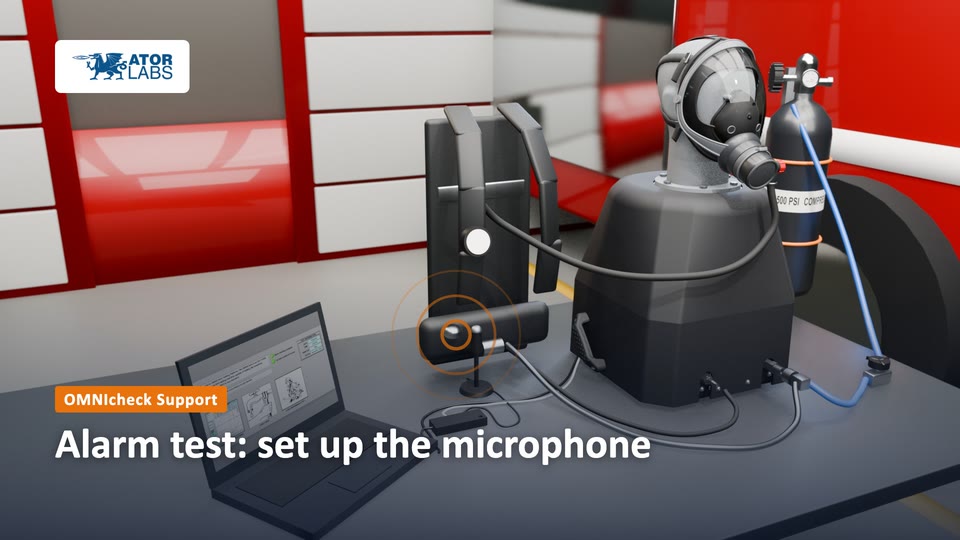 Alarm test: set up the microphone1:39The alarm test listens for your SCBA alarm through the USB microphone. Set it up right and the test can hear it.
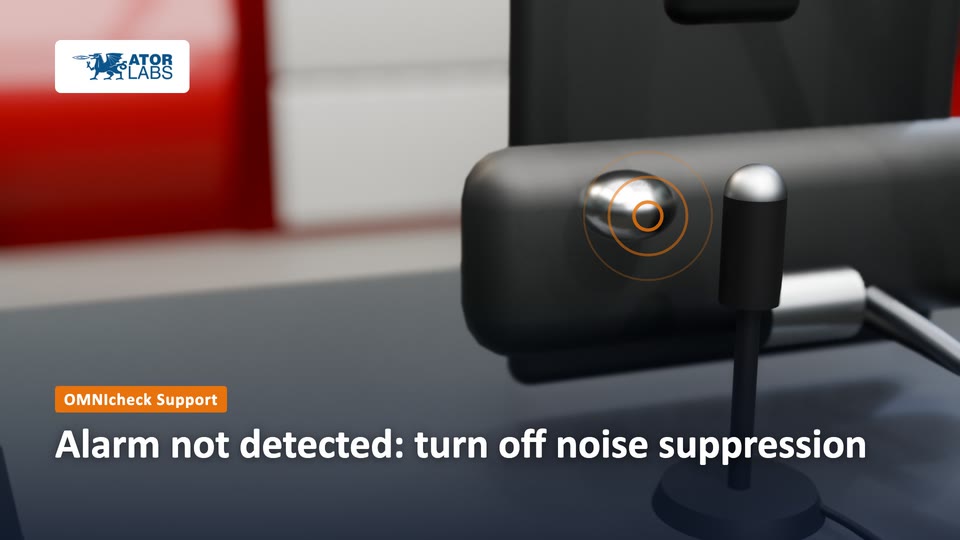 Alarm not detected: turn off noise suppression3:12Many Windows PCs filter out everything that isn't a voice, alarms included. Turn that filtering off for the OMNIcheck microphone.
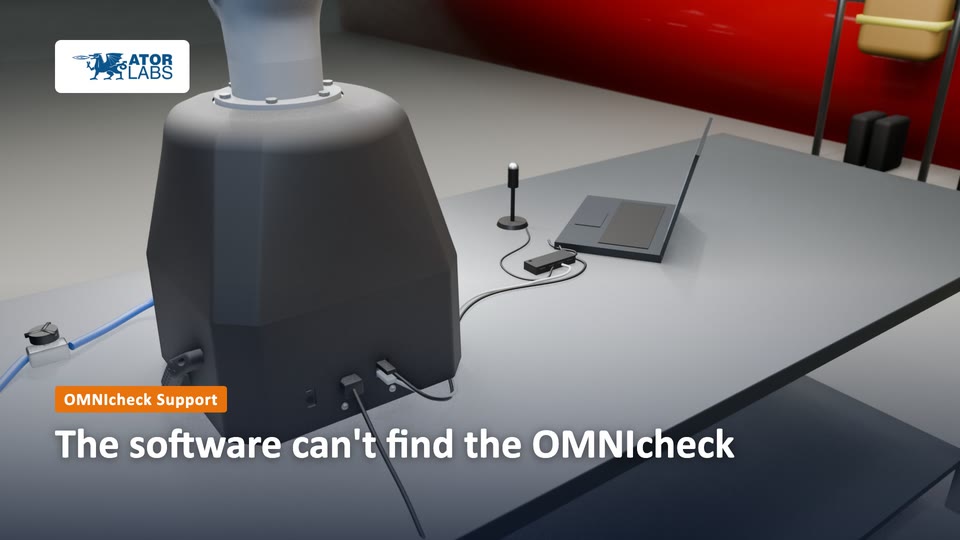 The software can't find the OMNIcheck1:37"Connect" greyed out, or OMNI Connected not lit? Check power and USB, in this order.
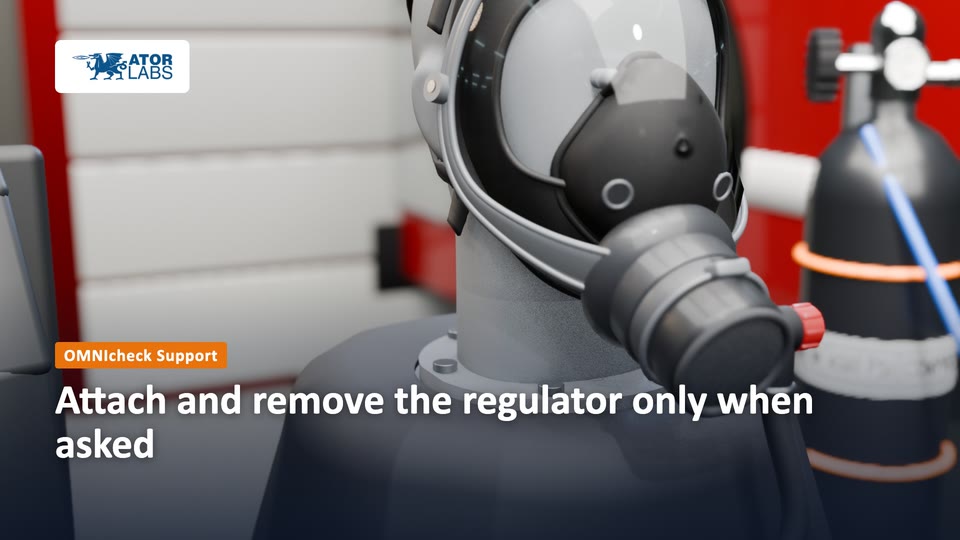 Attach and remove the regulator only when asked1:26The lung moves during tests. Connecting or removing the regulator at the wrong moment can damage it. Let the software lead.
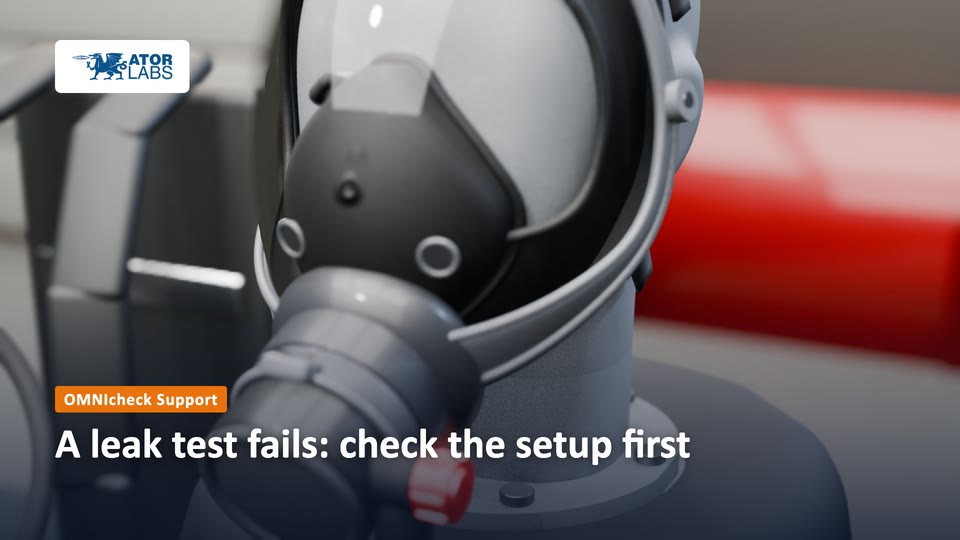 A leak test fails: check the setup first1:37A fail can be a real fault in the SCBA. Before you trust it, rule out the common setup mistakes, then test again once.
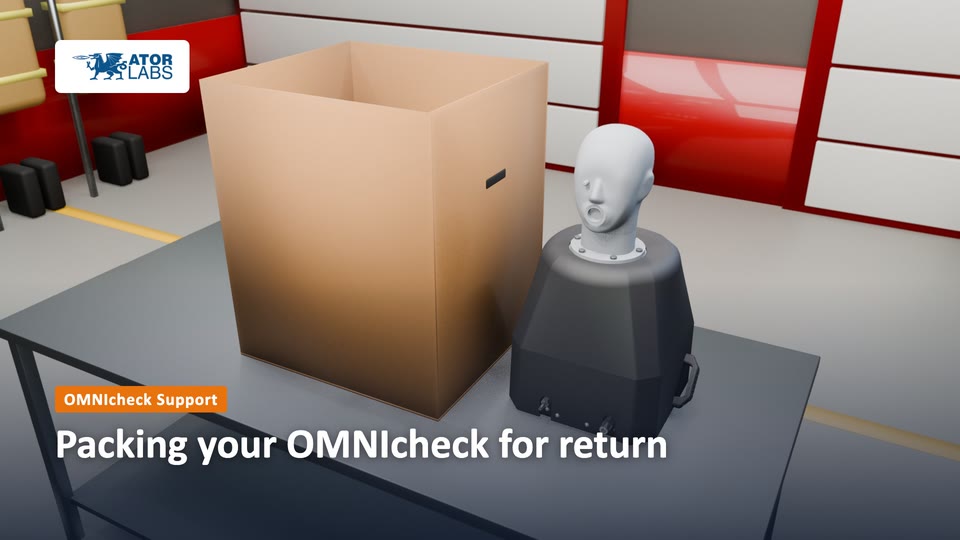 Packing your OMNIcheck for return1:28Twelve steps that protect the air fittings, the handles and the head in shipping, and get your RMA turned round fast.
Still stuck? Report a problem, or see Help for other ways to reach us.